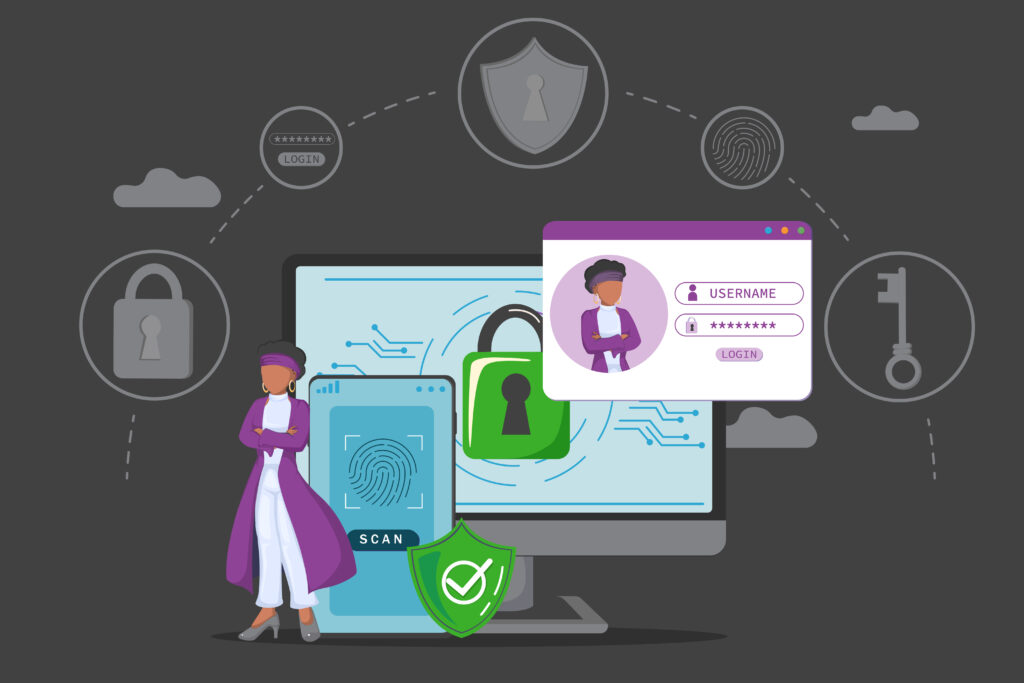
Can you imagine losing access to your email address… forever? Not only the mail itself but also your ability to use it as a log in to so many other websites. How about losing access to your bank account and finding it empty? If you are using only a password to log in then this could be your reality. Read on to learn about why using only a password is insecure, and how to improve it with multifactor authentication (MFA)—where two or more different factors are used to prove your identity.
Early Identity Verification
Some of the earliest forms of identity verification, cylinder seals, date back to about 3000 BCE, which predates the written alphabet. The Middle Ages used wax seals to verify identity, and then in sixteenth-century Europe, the handwritten signature began replacing wax seals as literacy increased.
Signatures have been required for credit cards since their inception in the 1950s. In the 1980s, however, the magnetic stripe on the credit card became the global standard. The stripe allowed for quick and convenient swiping, and as credit card use skyrocketed, fraud also increased. To combat this, merchants started comparing the signature and name on the card to the customer’s driver’s license. Do the names and signatures match? Is the person in the license photo the same person standing here? Great, we will accept this transaction. This was a manually verified form of MFA.
Even though we often need to sign our receipts, we no longer use that signature for verification. The extra time it took a cashier to validate a person was causing checkout lines to take longer and consumers complained, trading security for convenience.
The Best of Intentions
Let’s pretend it’s your job to validate people coming to a party and only let someone in if they provide their name and written signature. “Steve” comes to the party and says, “I’m Steve” and here’s my signature, which you check against a known signature, and it matches. Do you really know if that was Steve? Anyone could have seen his signature, copied it, and used it to enter the party, but the name and signature match, so you let in “Steve.”
Your online accounts work the same way: here’s my username or email address and this set of numbers and letters only I know. This worked at first, especially in the earliest days of computing when most computers weren’t online, and corporate computers on the company network required you to be in the office. That meant someone needed physical access to the device or corporate network to use—or misuse—the password to log in.
Today, nearly everything is connected to the internet and accessible anywhere. This means hackers can and do attempt to brute force your password, or they use known passwords stolen from breaches that are always in the news, to compromise your accounts. If the only thing you have protecting your account is a password, you are not secure, because anyone, anywhere in the world can use that to log in just like you.
Strong Multifactor to the Rescue
You can never remove all risk, but you can mitigate it. The best way to reduce risk is to make your account more secure by adding another factor of authentication.
Three types of MFA are:
- Something you know – A password, PIN, or security questions
- Something you have – Your phone, smart card, or hardware token such as YubiKey
- Something you are – Biometrics (typically face or fingerprint)
Some factors are weak, while others are quite strong. A strong factor is independent of other factors, resistant to replay, resilient to device compromise, and ideally cryptographically bound. Assuming that you didn’t spend the last decade in identity security, here are real examples of weak and strong MFA:
- Weak MFA – Password + SMS code
- Weak MFA – Password + email one-time passcode (OTP)
- Stronger MFA – Password + time-based one-time password (TOTP) app (Google Authenticator, Authy)
- Strong MFA – Password + hardware token (YubiKey or FIDO2 key)
- Strongest MFA – Passwordless FIDO2/WebAuthn with device biometrics (Windows Hello + security key)
The final item is where the industry is headed and something you may have seen show up as an option on your email, bank, or phone: passkeys.
Passkeys are phishing-resistant, passwordless authentication based on FIDO2. They are strong multifactor by design since they combine “something you have” (device you are on when you set it up) with “something you are/know” (biometric or PIN) in one step.
Take Ten Minutes Today!
The first thing you should secure is your email addresses. Email is the primary way that many applications, websites, and companies use to communicate, including password and MFA resets. If someone gets your email, they can likely control all accounts associated with that email.
Setting up MFA on your account or changing to a stronger factor is usually simple, and companies including Google and Apple provide user-friendly instructions:
After securing your email addresses, set up the highest level of MFA available for each of your sensitive accounts such as banks, investments, and healthcare, and then eventually any less sensitive sites.
(In order of strength: passkeys, hardware tokens, TOTP apps, OTP, and SMS.)
The industry is slow to change, so your app or website may not have MFA or may only have weak MFA such as SMS, but any MFA is better than none.
Passwords Aren’t Dead Yet—Unfortunately
If you’ve followed the best practice above, great! Your accounts are now significantly more secure, but there’s one final security step and warning.
Almost all of us have forgotten a password and used an account recovery feature to reset it. This option nearly always bypasses MFA and allows someone to log in with just your password.
The last step is to validate and secure your password recovery settings, and pay attention to your emails about changes to your password or security settings that you did not make.
Billions of users are still trained to log in with password, not all sites or devices fully support passkeys, and some users lose or replace their phones. For all those reasons, passwords remain alive and the weak link in security. But as more people adopt passwordless technologies, we can all move the industry forward and better secure our accounts.
